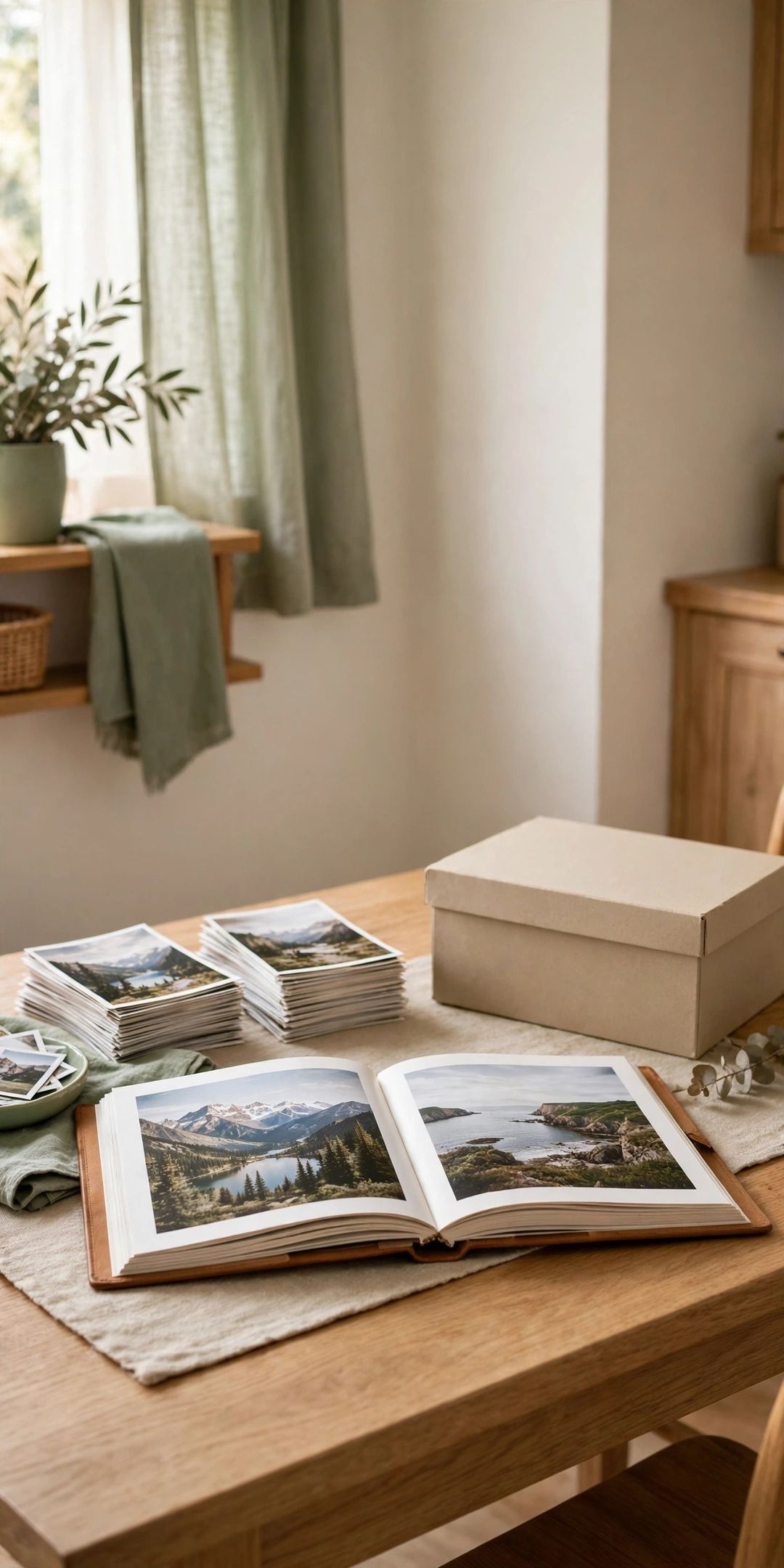
Printed photos, birthday cards, ticket stubs, and school papers have a way of growing into boxes that never get opened. The memories matter, but keeping every single paper is not the only way to honor them.
Learning how to declutter photos cards and keepsake papers is mostly about clear, kind rules you decide before you start. With a few sorting rules, a firm box limit, and simple digitizing options, you can keep the pieces that truly tell the story and let the rest go.
Work in short sessions, one box at a time, with a recycle bag and a phone or scanner nearby.
1. Gather Everything in One Place
Collect photos, cards, and loose papers from drawers, closets, and envelopes into one sorting spot. Seeing the full amount in one place makes honest choices easier. Do not buy new storage yet. First find out how much there is and what kinds of items make up most of the pile.
2. Sort Into Four Simple Piles
Make four piles: keep, digitize, share, and recycle. Keep holds originals that earn a spot in the box. Digitize holds items wanted as a copy, not as paper. Share holds good duplicates for family. Recycle holds blurry, blank, or damaged pieces.
3. Let Go of Duplicates and Blurry Shots
Start with the easiest wins. Recycle blurry photos, near-identical shots of the same moment, photos of people or places no one can name, and scenic shots with no person or story attached. Envelopes of negatives for prints you already have can go too, once a digital copy exists.
4. Keep the Best Photo, Not Every Version
For group events, holidays, and trips, keep the one or two photos that show faces clearly and capture the feeling best. Ten similar sunset shots tell the same story as one strong one. Lay a set side by side, pick the favorite quickly, and move the rest to the share or recycle pile.
5. Set a One-Box Limit for Keepsakes
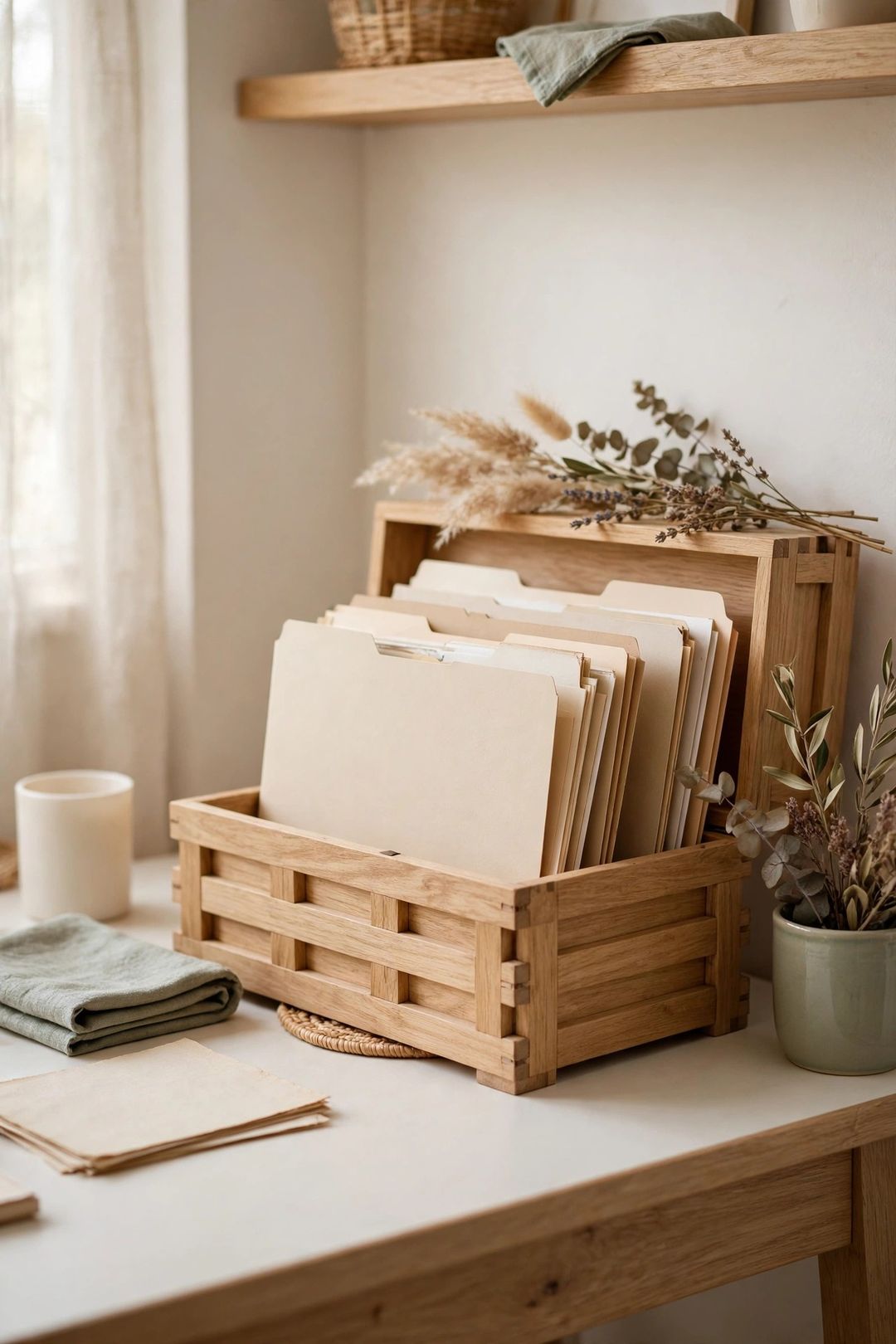
Choose one box per person or one box for the whole household, and let that size set the limit. A clear boundary makes each choice real: a new keeper has to be worth the space it takes. When the box fills up, something less loved has to leave before anything new goes in.
6. Save Cards With Real Messages Only
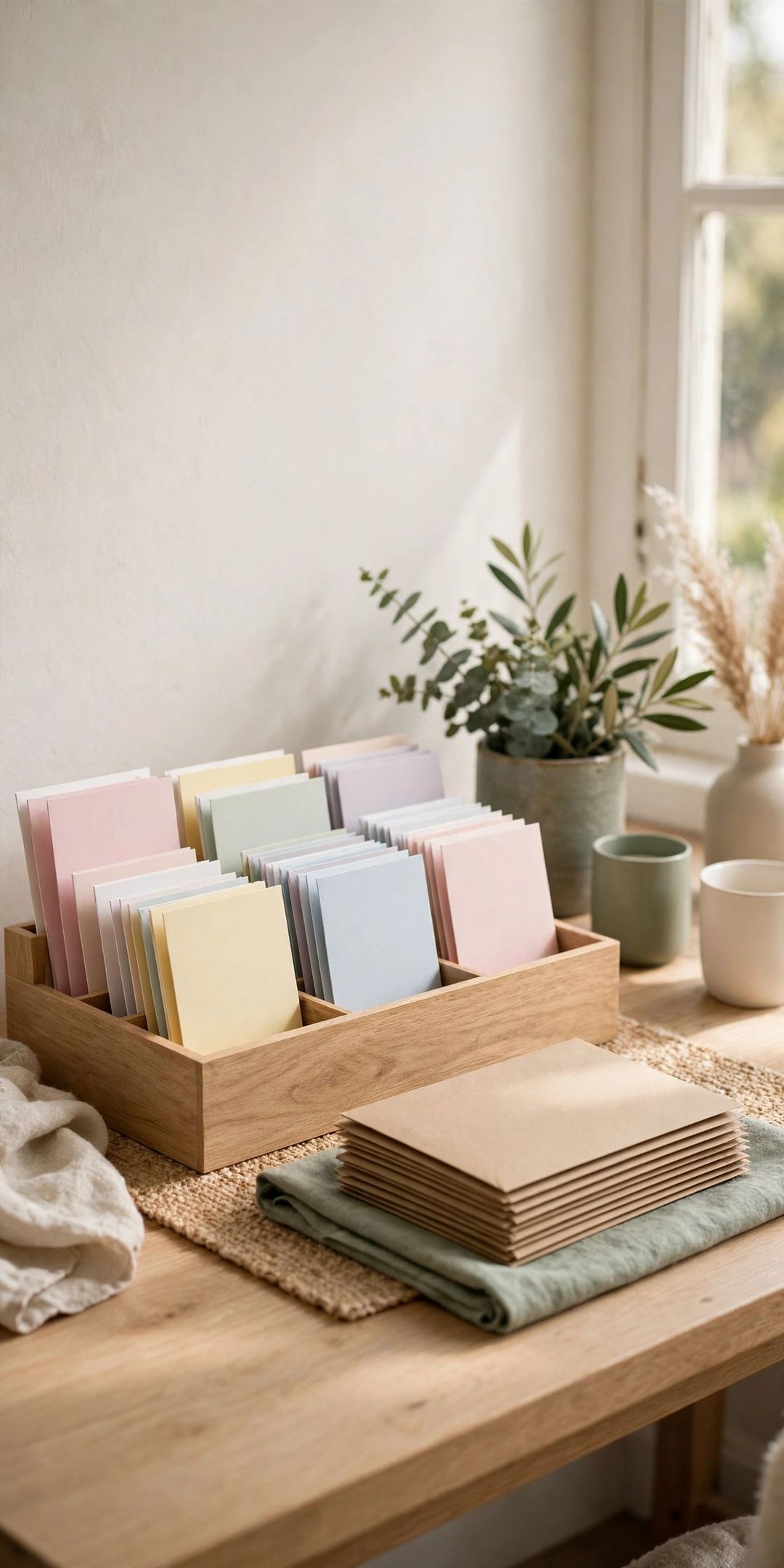
Keep cards that carry a handwritten note, a meaningful signature, or artwork from a child. Cards signed with only a name, store-bought cards with no writing, and envelopes with no card inside can be recycled without guilt. The kind words were received and enjoyed. Keeping the card forever is not required.
7. Keep One Example of Each Kind
For report cards, programs, tickets, and kids' artwork, one good example per year or event usually tells the full story. A folder of every worksheet is rarely opened, while a small set of favorites gets looked at often. Pick the piece that shows the skill, the humor, or the milestone best.
8. Digitize the Keepers You Rarely Hold
Scan or photograph fragile letters, large artwork, and photos you want to share or back up. A phone scanning app works well for flat items in good light. Name files with a year and a short label, then store copies in one folder with a backup. Digitizing preserves the image, even if the paper fades.
9. Label and Date What Stays
Write names, places, and the year on the back of kept photos with a soft pencil, or add a small note card to each envelope or sleeve. An unlabeled photo loses its story over time. Group keepers by year or by person as you go, so the finished box is already in a useful order.
10. Store the Keepers Flat, Dry, and Dark
Keep the final box in a dry room inside the home, not in a damp basement, hot attic, or garage. Store photos flat, away from direct sun, and avoid sticky album pages that can tear prints. A simple lidded box with plain envelopes or sleeves protects most home collections well enough for daily life.
11. Share Extras Instead of Storing Them
Good duplicate photos often mean more to the people in them than they do in a storage box. Mail a small set to family, slip extras into card envelopes, or hand them over at the next visit. Sharing turns stored clutter into a small gift, and the memory still lives in the digitized copy.
12. Recycle the Rest and Set a Review Habit
Recycle plain paper cards, envelopes, and blurry prints that have no plastic coating, and toss coated or damaged pieces that local rules do not accept for recycling. Check local guidance first. Then set a yearly date to review the one box, remove what no longer matters, and make room for new memories.
What to Buy
An acid-free keepsake box, typically $15–$30. Best for the final keepers. Pro: A firm size holds the one-box limit and stacks neatly. Con: Paper boxes are not water resistant, so store them in a dry room.
Clear photo sleeves or plain envelopes, typically $8–$18. Best for grouping by year or person. Pro: Contents stay visible and flat. Con: Very large sets include sizes most homes never use.
A portable photo scanner or scanning app, typically $0–$120. Best for fragile or oversized pieces. Pro: A digital copy backs up the memory. Con: Scanning a large pile takes time, so work in short batches.
Soft pencils and archival labels, typically $5–$12. Best for dating prints without damage. Pro: Names and years keep the story attached. Con: Labels need updating if groups get re-sorted later.
Mistakes to Avoid
- Sorting without rules set first. Deciding case by case is slow and tiring. Set the keep rules before the first box opens.
- Keeping every card out of guilt. A card did its job when it was received and read. A note-free card can be recycled kindly.
- Buying storage before reducing. New boxes for unsorted piles just hide the clutter at a larger size.
- Storing papers in damp or hot spots. Basements, attics, and garages speed up fading, sticking, and mold on paper.
- Digitizing with no file names or backup. Unlabeled scans in one place only are easy to lose and hard to search later.
Frequently Asked Questions
How long should a sorting session last?
Short sessions of 30 to 45 minutes work well. Paper sorting brings up memories and decision fatigue, so stop while choices still feel clear and return fresh for the next box.
What should happen to old negatives?
If the prints are kept or scanned and look clear, the negatives rarely need to stay. For a small set of very loved photos with no digital copy, keep the negatives in a labeled envelope inside the main box until a scan is made.
Is it okay to throw away photos of family?
Yes, for duplicates, blurry shots, and photos no one can identify. Offer good extras to family first when that feels right. Keeping one clear, labeled photo of a person preserves the memory far better than a stack of poor copies.
How should kids' artwork be handled?
Keep one or two favorites per season or school year, photograph the rest, and recycle the originals. A slim folder of best pieces gets enjoyed far more than a full bin that never gets opened.
Keeping the memory does not mean keeping every paper. Save this post to your Declutter board on Pinterest so the sorting rules are handy the next time a keepsake box comes out.